What a Sage migration exposes before the new ERP goes live
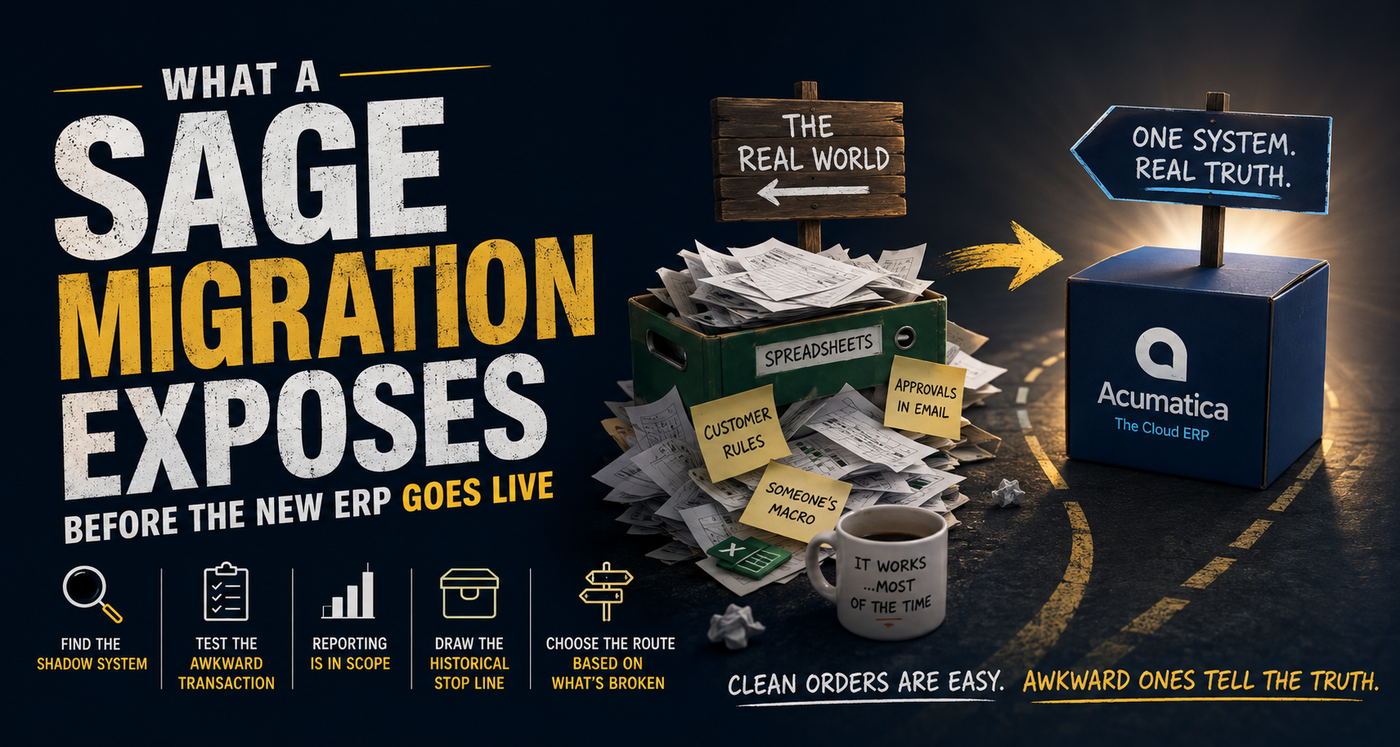
Acumatica published a useful comparison for businesses replacing Sage 50 or Sage 300 this week. It describes two broad routes. A finance-first move may suit a business whose operational systems already work. A full ERP move starts to make sense when inventory, purchasing, order handling or production are also creaking. That fork is useful. I would still refuse to select either route from a simple comparison table.
I have been through a Navision-to-Acumatica migration from inside the business. Both systems could accept a sales order and post an invoice. The difficult conversations lived around the normal transactions.
Who can release an order on credit hold? What happens when the warehouse ships part of the line and the remainder stays open? What happens when something gets posted to the incorrect general ledger bucket?
Those questions expose the REAL migration scope.
Vendor demonstrations favour clean data and a cooperative order. Of course they do - it's part of the sales process! Nobody volunteers to show the bit where a customer changes the delivery address after allocation and the warehouse has already printed the paperwork, but that's exactly the transaction I want to see.
Take a stock item and put it on a sales order. Add the customer-specific address, allocate only part of the quantity, create the shipment and follow the result into invoicing. Then change something at an inconvenient point and see who owns the recovery.
The awkward transaction shows how your business will have to work in the new system and whether the people in the room can live with it and can deal with it. Run the clean order afterwards. It will be fine. It is always fine!
TIP: Find the shadow system before designing the target
The existing ERP rarely contains the whole process. An external spreadsheet may decide the promise date. An email folder may be the approval queue. Someone's macro may be the only place a product rule still exists. A printed picking sheet may carry the exception nobody has put back into the ERP.
Calling those things "workarounds" does not make them disposable. Some are pointless habits. Others carry a business rule that nobody has written down because one person in Accounts has kept it alive for years and no one else knew.
I would put every shadow step beside the ERP transaction and ask why it exists. If the target system already supports the rule, retire the workaround deliberately. If the rule still matters and Acumatica needs configuration or an extension, give it an owner. If nobody can explain the rule, do not quietly rebuild it because it was in the old spreadsheet. Ask yourself:
- "If we stopped doing this step in the process right now, would the whole process grind to a halt?" and,
- "Does the customer care?" and,
- "Is this adding any value for the customer?"
If the answer is no, then strip that step out of the process immediately - regardless of the ERP migration project!
That is how a migration gives the house a cleanup without throwing away the fuse box.
Reporting belongs inside the migration scope
Reporting is often treated as work for after go-live. The assumption is that the ERP team moves the transactions and the data team reconnects everything later. However, "later" tends to arrive at 08:30 on the first business day when the sales report is blank.
A move from a legacy product into a cloud ERP can change table structures, keys, refresh behaviour and the permitted access route. A report built against old SQL tables will not follow the users into Acumatica through force of optimism. Decide how reporting will access the target data and prove that route before cutover.
Create a report inventory before the build gets far. Name the owner, the decision it supports, its current source, the refresh expectation and the number used to prove it is right. A report without an owner or a decision is a good archive candidate. A report used to release orders on Monday morning is part of the cutover.
This is also where poor master data stops being an abstract cleansing problem. A customer duplicated under two trading names may be tolerable in an old monthly report. It becomes a real operational fault when credit limits, open orders or payment history split across both records.
TIP: Put a stop line around historical data
Historical detail has emotional gravity. Somebody will ask for every transaction since the company began because storage is cheap and it might be useful, but oftentimes moving it is not free. It has to be extracted, mapped, checked and explained. Every old code you carry into the new ERP becomes something the support team may have to understand.
Move the open transactions and current master data that the live process needs. Reconcile the balances separately. Older detail can sit in an accessible reporting archive unless there is a legal or operational reason for it to live inside the new ERP.
That boundary needs agreeing early. Leaving it until data migration starts creates a row-by-row argument when the timetable has the least room for one.
Choose the route from what has broken first
The finance-first route in Acumatica's Sage comparison is perfectly credible when finance is the actual constraint and the operational platforms are working, owned and integrated. A broader ERP project would add cost and disruption without removing the bottleneck.
The full ERP route earns its place when purchasing lives in email, inventory needs a private spreadsheet to be believable, or production activity cannot reach the ledger without rekeying. A new finance system on its own leaves those fractures where they are.
Before selecting a product, take five representative transactions into the evaluation. Use a clean order, a partial shipment, a return, a credit hold and a stock adjustment. Walk each one from the first user action to the ledger entry and the management report. Write down every hand-off and every person who repairs an exception.
The dashboard can wait. I want to see the warehouse person recognise the Friday-afternoon mess and carry it to the ledger without opening the spreadsheet everyone forgot to mention.